Project
Raspberry Pi Bike Tracker
Tech Stack
By Mohamed Brahimi
In the summer of 2026, I begean biking more, which led me to think how I could bridge my new passion for biking with my passion and coursework involving computer science.
After thinking about it for a while, I decided to dig up my old robotics components from years ago to figure out what worked and didn't work.
I came up with the idea of designing my own GPS bike tracker, which could save the coordinates of the bike every second on a trip, and could sync with a web application when the device reconnects to the internet.
I began to brainstorm and write down ideas for my project, and compared various ways I could execute it. I had all the main parts I needed, and noted what I would need to buy.
The final debate rested over the main brain behind the project: would I use an Arduino Nano (which I have) or a Raspberry Pi Zero (which I would have to purchase)
After some thinking, I decided to use a Raspberry Pi. It would give me the opportunity to learn Linux more deeply, connect to the internet and a server more simply, and save data to a memory card without an external module.
After buying and grouping together all the parts I needed, I began work on my project.
I began with testing my VK-162 GPS module in the Raspberry Pi terminal using cgps. Once I got that out of the way, I installed the python3-gps library and tested the GPS by creating a sample Python script:
import gps


session = gps.gps(mode=gps.WATCH_ENABLE | gps.WATCH_NEWSTYLE)

while True:
    report = session.next()

    if report["class"] == "TPV":
        if hasattr(report, "lat") and hasattr(report, "lon"):
            print(f"Latitude:  {report.lat}")
            print(f"Longitude: {report.lon}")

        if hasattr(report, "speed"):
            print(f"Speed:     {report.speed * 3.6:.2f} km/h")

        if hasattr(report, "alt"):
            print(f"Altitude:  {report.alt:.2f} m")

        print("-" * 30)
I then wired up my 16x2 LCD screen to the Raspberry Pi and tested that too.
Finally, I wired up my DS3231 Real Time Clock to the Raspberry Pi via I2C. This would allow my bike tracker to keep time even when the Raspberry Pi is turned off, and when the GPS device isn't receiving data from any GPS satellites.
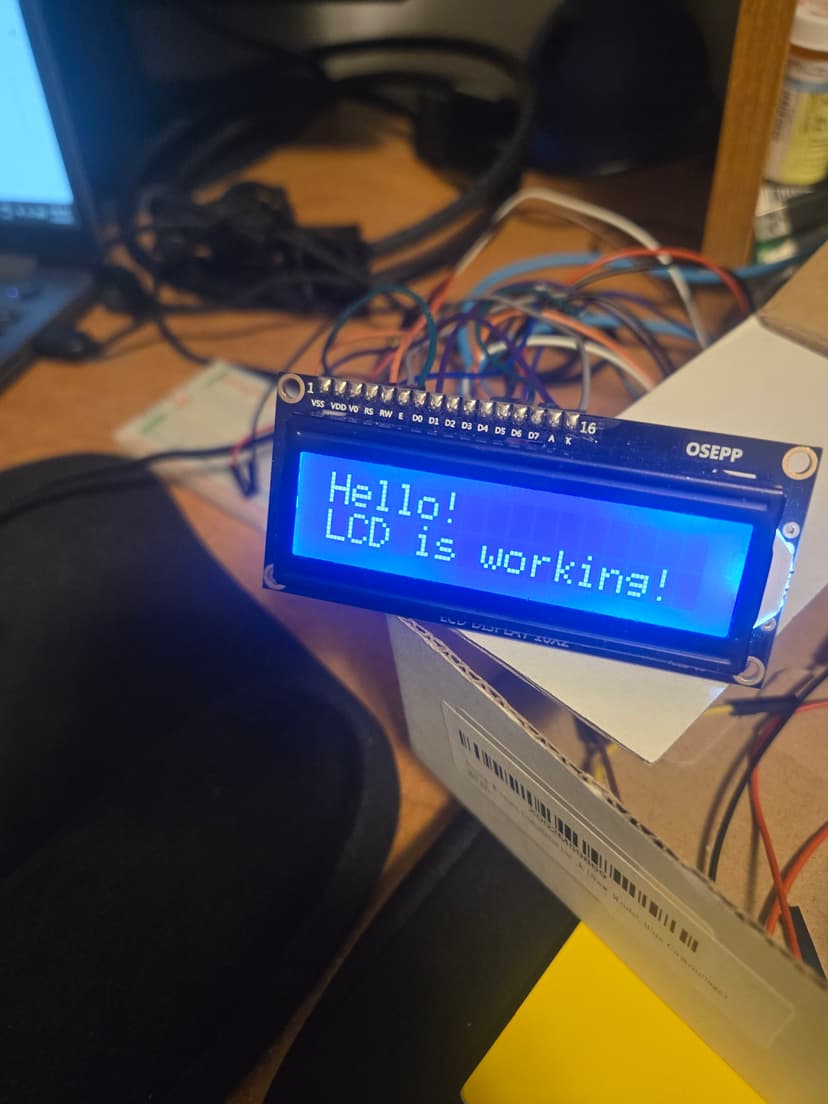
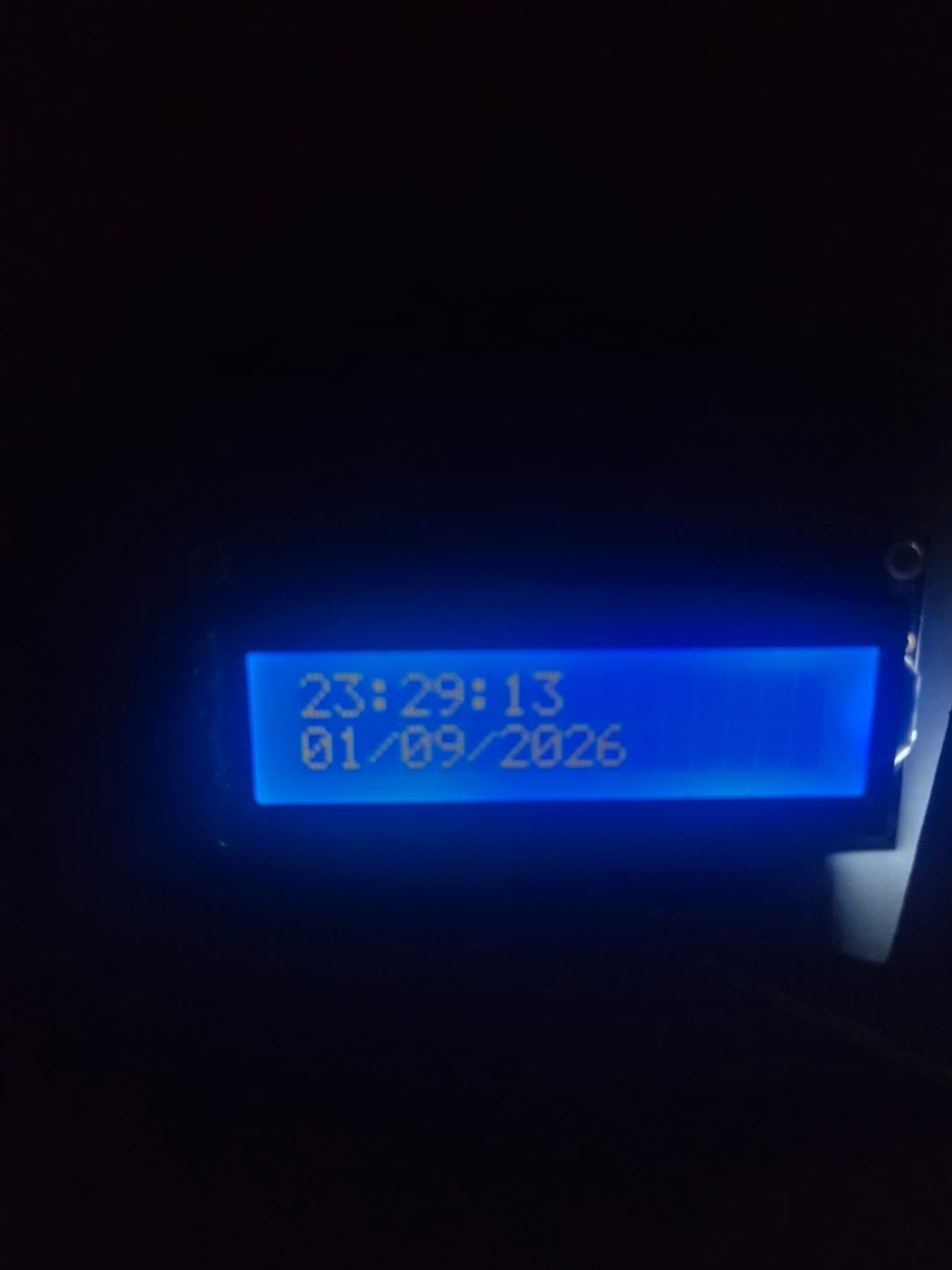
I also had a push button with a large cap available, so I can wire it in and use it in my project prototype in the future.
With the testing of the GPS device, the LCD, and the RTC module out of the way, I can begin programming.
For my first prototype, I simply want the ability to start/stop trips (using the button), display the time and current trip number/status on the LCD, and save the coordinates registered by the GPS device onto a SQLite local database or a CSV file.
After more testing, I realised the RTC was both problematic and redundant, as the GPS module receives time information from GPS satellites. I decided to remove it from the project.
After a lot of tweaking and testing, I managed to create a very basic prototype for the bike tracker. Packaged in a cardboard box, the button and the LCD display are accessible to the user. There are holes on the side for the GPS wire and a power supply.
I experimented with the Adafruit LCD Python library, and found it was much simpler than the code I currently had.
I combined this with the GPS testing code, a local SQLite database, and functionality for the pushbutton, and finally had a working prototype for the project.
At this stage, the bike tracker turns on and waits for a button to be pressed, which starts a trip.
An entry is placed in a SQLite table called trips, containing the current trip's start time and ID.
Every second, a new entry is placed in another SQLite table called gps_points. This table stores the tracker's GPS coordinates every second, alongside the time, speed, and the trip ID which this entry is associated with.